
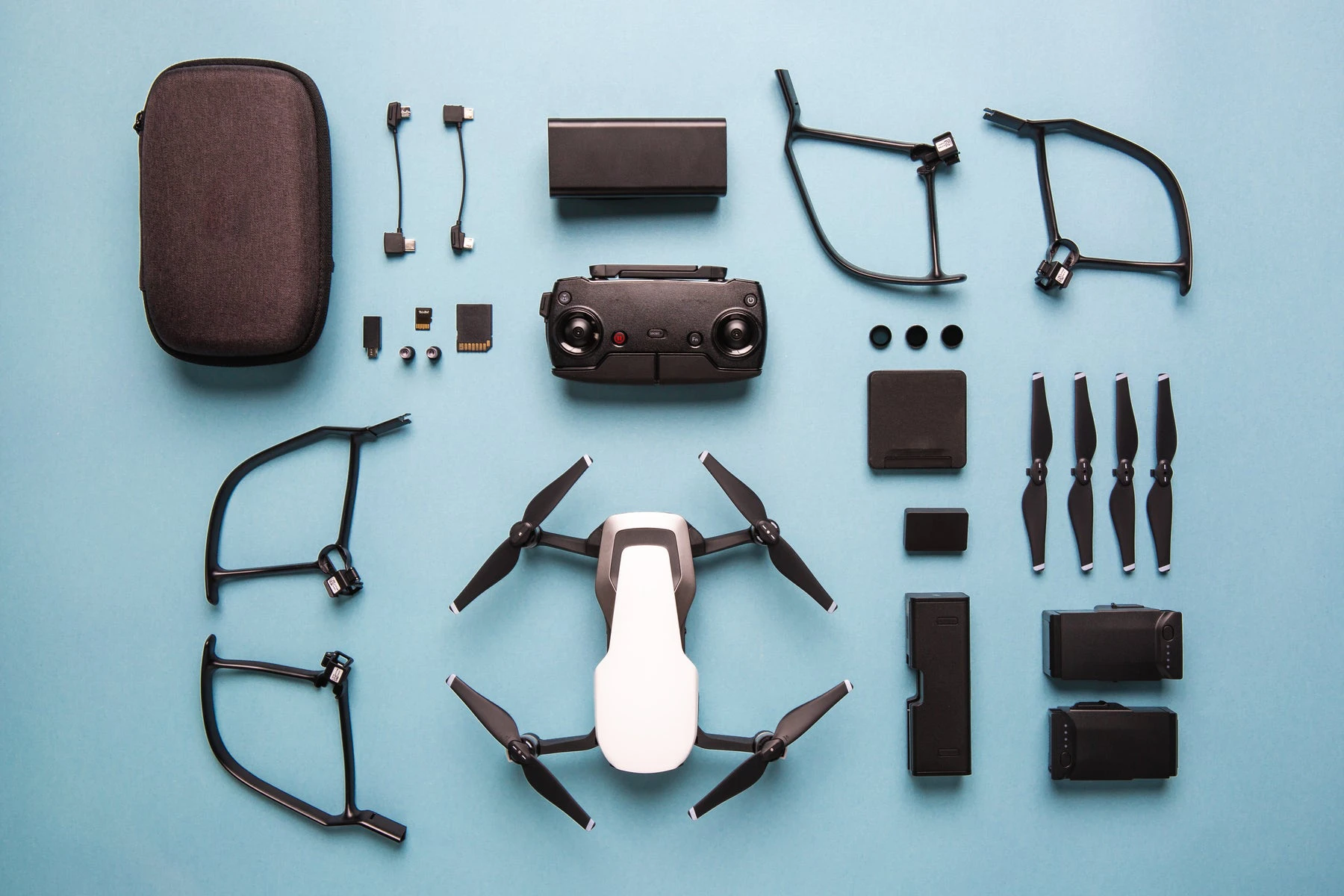
Second-hand electronics are often a great deal, as long as you test them before you pay. Meet somewhere with a power socket and Wi-Fi, such as a café, and bring a charger and earphones.
Phones and tablets
- Check that the device is signed out of the seller's account and reset. A locked phone is useless.
- Look at battery health in the settings; below 80 percent means a new battery soon.
- Test the cameras, speakers, microphone, buttons and the charging port.
- Compare the serial or IMEI on the box with the one in the settings.
Laptops
- Open a few programs at once and watch for freezes or fan noise.
- Type on every key, try the trackpad and both USB ports.
- Check the screen on a white page for dead pixels.
Consoles and audio
Play for a few minutes, test every controller and listen for crackles at full volume.
Ask for the receipt: it proves where the item comes from and whether a warranty is still running.