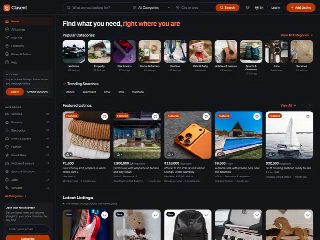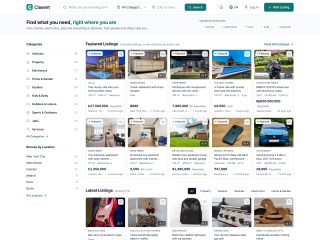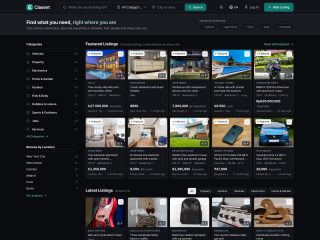


Looking for something specific often takes more than one visit. Two features now make it easier to keep track.
Favorites
Tap the heart on any listing card or listing page to save it. Your favorites are in your account menu, on every device you sign in on. When a saved listing drops its price, you see it at a glance, and if it is sold or expires it disappears from the list.
Saved searches
Run a search with your filters, a city, a price range, a size, then choose "Save search". When new listings match it, we let you know by notification and, if you like, by email. You can rename, pause or delete saved searches at any time.
Both features are free for every member. Sign in, try them on your next search and tell us what you think through the contact page.