
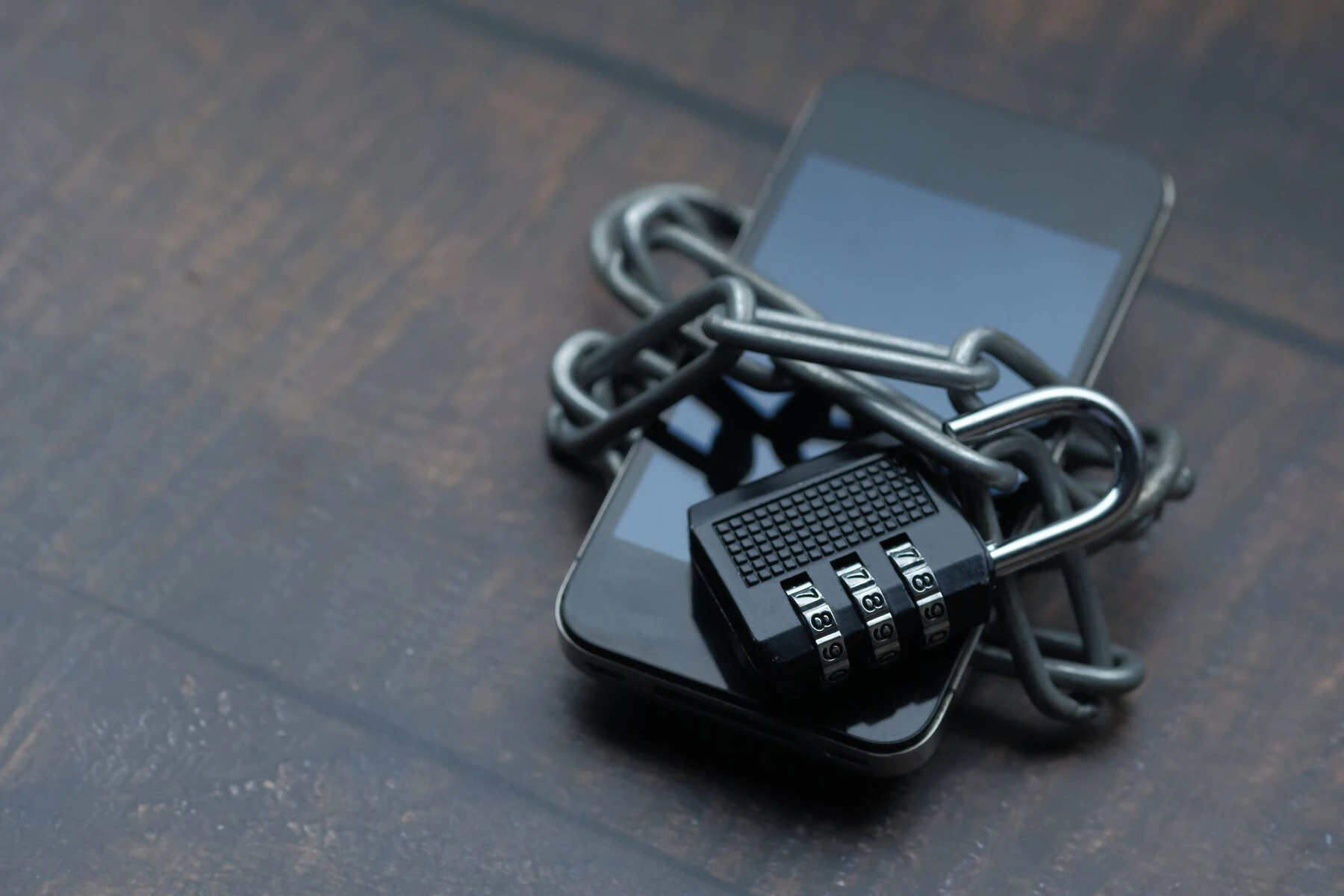
Your account holds your listings, your messages and your shop. Five minutes in the account settings make it much harder for anyone else to use it.
1. Use a unique password
Choose a long password you use nowhere else, ideally created and stored by a password manager. Change it at once if you ever reused it on another site.
2. Turn on two-factor authentication
In Account Settings, under Security, enable two-factor authentication and scan the code with an authenticator app. After that, a login needs your password and a six-digit code from your phone. Keep the recovery codes somewhere safe.
3. Sign out other devices
If you logged in on a shared computer, use "Sign out other devices" in the same section. It ends every other session.
4. Keep your email address current
Password resets and important notices go to it, so make sure you can still read it.
5. Never share codes
Our team will never ask for your password or a login code. Anyone who does is not us.